

- Written by: betty
- 0 Comments
- November 19, 2025
Working from home has become a long-term reality for many professionals. Poor furniture choices can cause discomfort and reduce productivity. Investing in ergonomic furniture for home office ensures proper posture, comfort, and efficiency during long workdays.
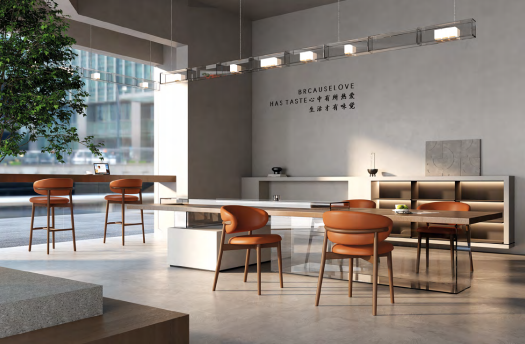
1. Why Ergonomic Furniture Matters at Home
Ergonomic furniture reduces strain, improves posture, and boosts productivity.
Benefits:
Prevents back and neck pain
Supports long hours of work
Enhances focus and efficiency
Promotes overall health and wellness
2. Essential Ergonomic Furniture for Home Offices
| Furniture Type | Features | Best For |
|---|---|---|
| Ergonomic Chairs | Adjustable lumbar support, seat height, tilt | Long work hours |
| Height-Adjustable Desks | Sit-stand options | Flexibility and movement |
| Monitor Stands | Adjustable height and angle | Eye strain reduction |
| Footrests | Adjustable angles | Improved circulation |
| Keyboard Trays | Adjustable height and angle | Comfortable typing position |
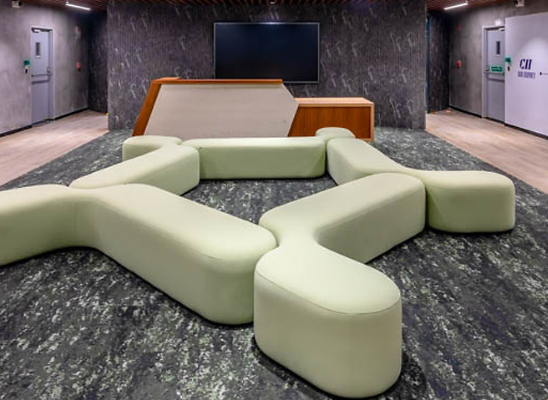
3. Choosing the Right Ergonomic Chair
A good chair is the centerpiece of a home office.
Key Features:
Adjustable lumbar support
Seat height and depth customization
Tilt and recline functionality
Breathable material and padded seat
4. Ergonomic Desks for Flexibility
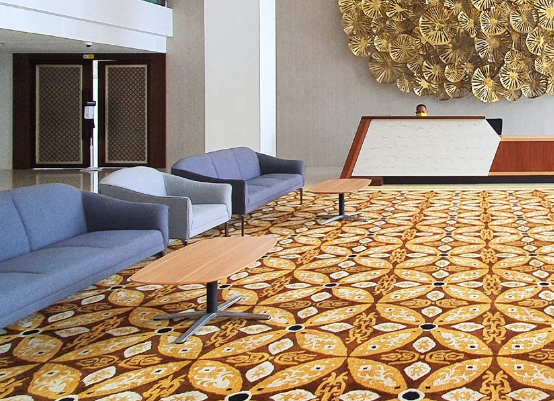
Desks should support proper posture and movement.
Options Include:
Height-adjustable desks for sit-stand flexibility
L-shaped desks for multi-tasking
Compact desks for small spaces
Cable management for organization
5. Accessories That Enhance Ergonomics
Adding ergonomic accessories improves comfort:
Top Picks:
Monitor stands to reduce neck strain
Footrests for better circulation
Keyboard trays for neutral wrist position
Anti-fatigue mats for standing desks
6. Layout and Space Planning for Home Offices
Proper layout ensures comfort and productivity:
Keep desk at arm’s length from monitor
Place chair with feet flat on the floor or footrest
Ensure adequate lighting
Allocate space for movement
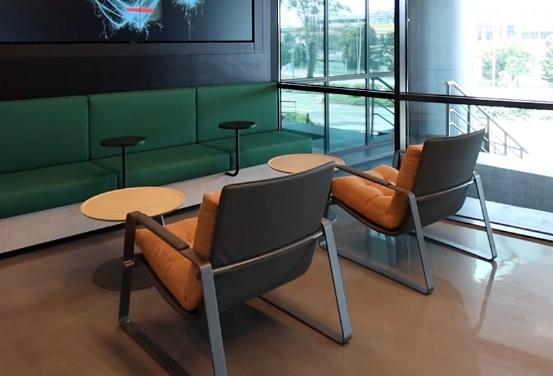
7. Cost Considerations for Home Office Ergonomic Furniture
| Furniture/Accessory | Price Range | Key Benefit |
|---|---|---|
| Ergonomic Chairs | $200–$800 | Comfort and support |
| Adjustable Desks | $300–$1,200 | Sit-stand flexibility |
| Monitor Stands | $30–$150 | Eye strain reduction |
| Footrests | $25–$80 | Improved posture and circulation |
| Keyboard Trays | $40–$120 | Neutral typing position |
8. How to Choose the Right Ergonomic Furniture for Home Office
Checklist:
Assess space constraints and layout
Prioritize chair and desk ergonomics
Include accessories for posture and comfort
Choose durable and adjustable materials
Compare pricing, warranty, and customer reviews
Conclusion
Ergonomic furniture for home office creates a comfortable, productive, and health-conscious workspace. Proper chairs, desks, and accessories ensure long-term efficiency and reduce strain during work hours.
Get a Custom Proposal
Tell us your office needs, and our team will create a personalized furniture plan with wholesale pricing—no obligation.
FAQ
Why invest in ergonomic furniture for home office?
It improves posture, reduces strain, and boosts productivity for long work hours at home.
What is the best ergonomic chair for home office use?
Look for chairs with adjustable lumbar support, seat height, tilt, and breathable material for comfort.
Do I need a sit-stand desk at home?
Yes. Height-adjustable desks allow movement, reduce fatigue, and support better posture.
Which accessories improve home office ergonomics?
Monitor stands, footrests, keyboard trays, and anti-fatigue mats enhance comfort and reduce strain.
Can ergonomic furniture fit small home offices?
Absolutely. Compact desks, adjustable chairs, and modular accessories can optimize small spaces.
Is ergonomic furniture expensive?
Prices vary, but investing in quality furniture ensures long-term comfort and productivity.
How do I set up a proper ergonomic home office?
Position the monitor at eye level, chair at proper height, include accessories for posture, and allow space for movement.